Clear Sky Science · en
Real time identification of phishing attacks through machine learning enhanced browser extensions
Why fake websites are everyone’s problem
Every day, people receive messages that look like they come from their bank, a delivery service, or their workplace—but some of these are carefully crafted traps. Phishing scams use look‑alike emails and websites to steal passwords, credit‑card numbers, and other personal data. As criminals become more skilled at mimicking real sites, simple blocklists and gut instinct are no longer enough. This paper describes a new browser add‑on that quietly watches the pages you visit and uses machine learning to flag dangerous sites in real time, aiming to give ordinary users strong protection without requiring them to become security experts.
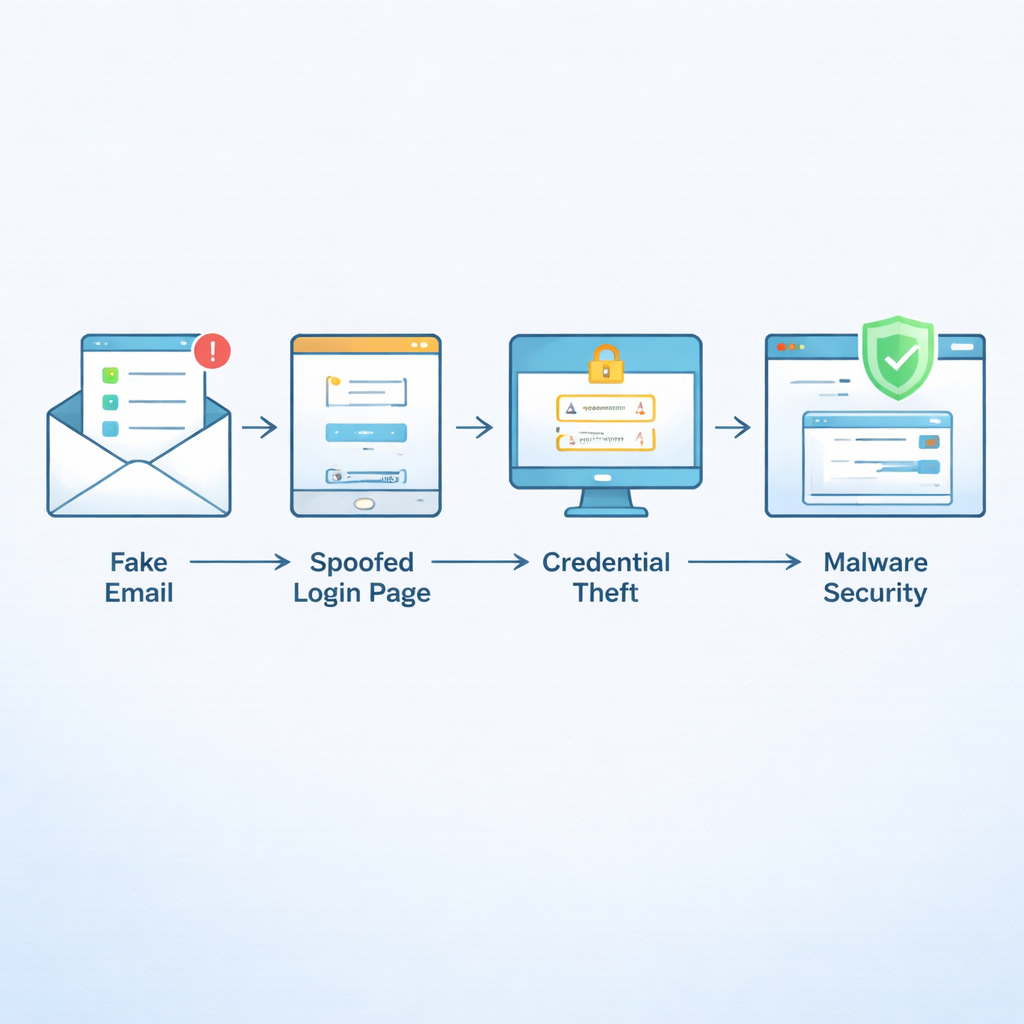
How modern phishing attacks fool us
Phishing has grown into one of the most common online crimes worldwide, responsible for a large share of reported cyber incidents and financial losses. Attackers send persuasive emails that urge quick action—“verify your account,” “update your payment,” “track your package”—and direct victims to fake websites that closely resemble real banking, shopping, or cloud‑service pages. Many of these sites now use valid HTTPS certificates and polished designs, so old‑style warnings like “no padlock icon” or “ugly page” no longer work. Surveys and crime reports show that adults in their 20s to 40s are heavily targeted, and security teams remain deeply worried about email‑based scams that slip past filters.
A smarter look at web addresses and page appearance
The researchers argue that the safest place to stop phishing is right inside the browser, at the moment a page is loaded. Their extension for Google Chrome (and compatible browsers) examines two main clues: the web address itself and how the page looks. From each site it collects “lexical” details from the URL, such as length, unusual symbols, or suspicious subdomains; “structural” and domain details, such as traffic and registration data; and “visual” cues like layout blocks, colors, and logos. A headless browser renders each page in a controlled way, breaks it into rectangular regions, and records where forms, logos, and navigation bars appear. It then compares this visual fingerprint with those of trusted sites, looking for near‑copies that might be frauds.
Using digital ‘wolves’ to pick the most telling clues
Because the system gathers dozens of measurements from each site, it must decide which ones truly help separate scams from safe pages. To do this, the authors borrow an algorithm inspired by how grey wolves hunt. In this “Grey Wolf Optimizer,” many candidate feature sets compete, and the algorithm gradually converges on a compact subset that yields the best balance between catching phishing sites and avoiding false alarms. These selected features are then fed into three machine‑learning models—Support Vector Machine, Decision Tree, and especially Random Forest, which combines many decision trees into a strong ensemble. Training uses 80,000 websites drawn from public collections like PhishTank and academic archives, with extra techniques to handle the imbalance between legitimate and malicious sites.

Turning lab models into a helpful browser tool
The optimized Random Forest model reached about 98–99% accuracy and a Matthews Correlation Coefficient near 0.96, a strict measure that accounts for both missed attacks and false alarms. In live tests with a Chrome extension, the system scanned each URL in about 200 milliseconds, fast enough that users did not notice delays. When a risky page was detected, the add‑on displayed a clear warning and let users choose to go back or proceed at their own risk. Compared with popular tools such as Google Safe Browsing and existing anti‑phishing extensions, the new system showed higher detection rates, fewer mistaken warnings, and the ability to spot misleading addresses—even when they were shortened, lightly obfuscated, or newly created.
What this means for everyday browsing
For non‑specialists, the key takeaway is that phishing defense no longer has to rely only on guesswork or manual blacklists. By combining how a link is written with how a page looks, and by automatically selecting the most informative signals, the proposed extension can recognize many scams the first time they appear, not just after someone reports them. The authors acknowledge that attackers will keep evolving and that models must be retrained and extended to phones and other browsers. Still, their work shows that an intelligent, privacy‑preserving add‑on running on your own device can act as a tireless second set of eyes—quietly checking each site you visit and stepping in when something feels off, long before a hurried click turns into a costly mistake.
Citation: Dandotiya, M., Goyal, N., Khunteta, A. et al. Real time identification of phishing attacks through machine learning enhanced browser extensions. Sci Rep 16, 6612 (2026). https://doi.org/10.1038/s41598-026-35655-7
Keywords: phishing detection, browser extension, machine learning, cybersecurity, fake websites