Clear Sky Science · en
Conservation of flash-based media art a case study of
Why saving digital art matters
Most of us assume that anything on a computer can be kept forever with a simple copy-and-paste. But for digital artworks built on old software, time can be as damaging as sunlight is to a painting. This paper follows the rescue of a 2008 web artwork called “Bite the Bullet,” which depended on Adobe Flash, a once‑common browser plugin that has now vanished. The story shows how museums can keep such fragile digital pieces alive so that future visitors can still experience them as the artist intended.
A story hidden inside a web page
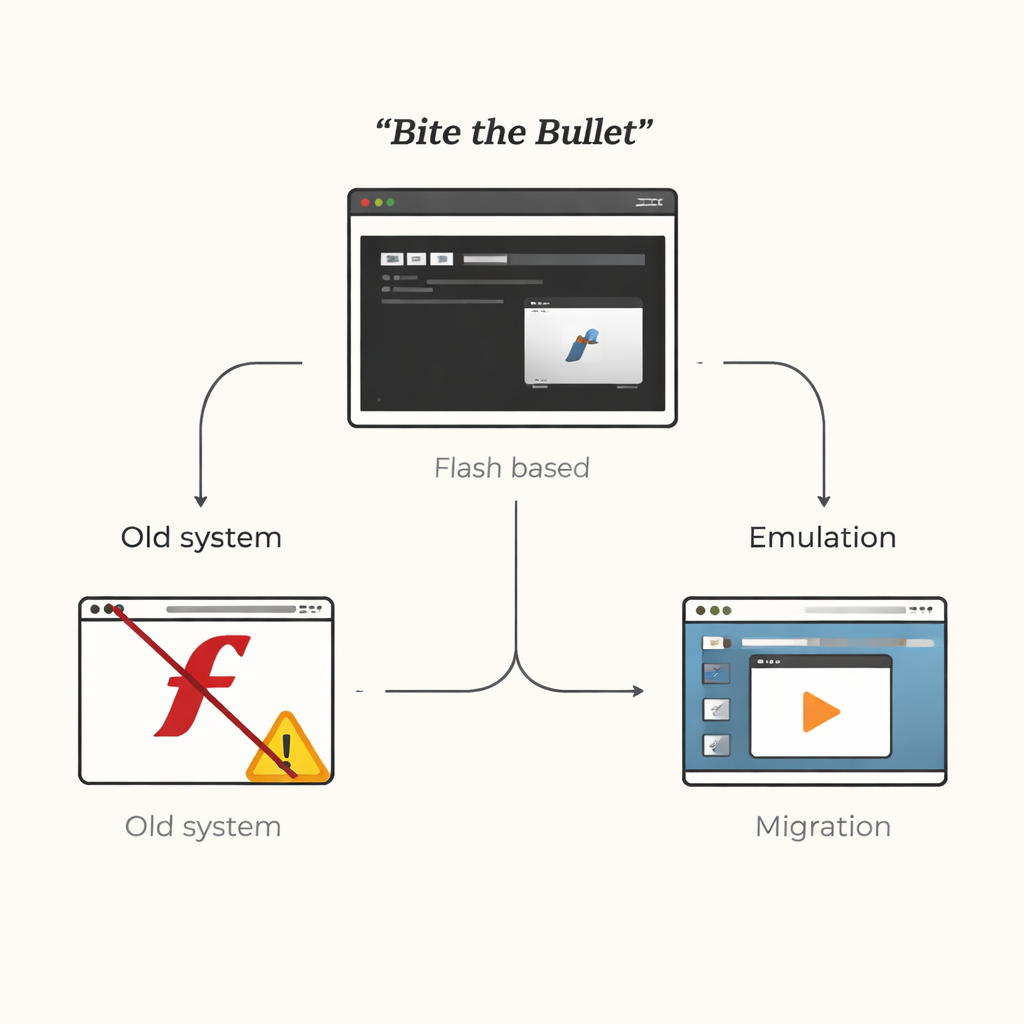
“Bite the Bullet” is a Korean media artwork made of images, sound, and dialogue arranged into twelve chapters and ten scenes. Visitors encounter it on a computer in the gallery: first a book‑shaped opening screen, then a chapter menu, and finally scenes where video and text unfold against a black background. The artist uses this simple, book‑like structure to reflect on the anxieties of war by cutting and recombining moving images and words. Technically, however, the work relied on Flash video files and older web standards, which worked smoothly in 2008 but now cause serious problems.
When the plug is pulled on old technology
By 2020, Adobe had shut down Flash Player because of security issues and changing web standards. Modern browsers actively block Flash content, so many early web artworks simply stopped running. When the museum checked copies of “Bite the Bullet” stored on an external hard drive and USB stick, the videos would not play and Korean text appeared as garbled symbols. Only the original exhibition computer, which still had an old version of Flash and no internet connection, could show the piece properly. This fragile setup made clear that, without intervention, the artwork would soon be lost to visitors.
Rebuilding yesterday’s computer inside today’s
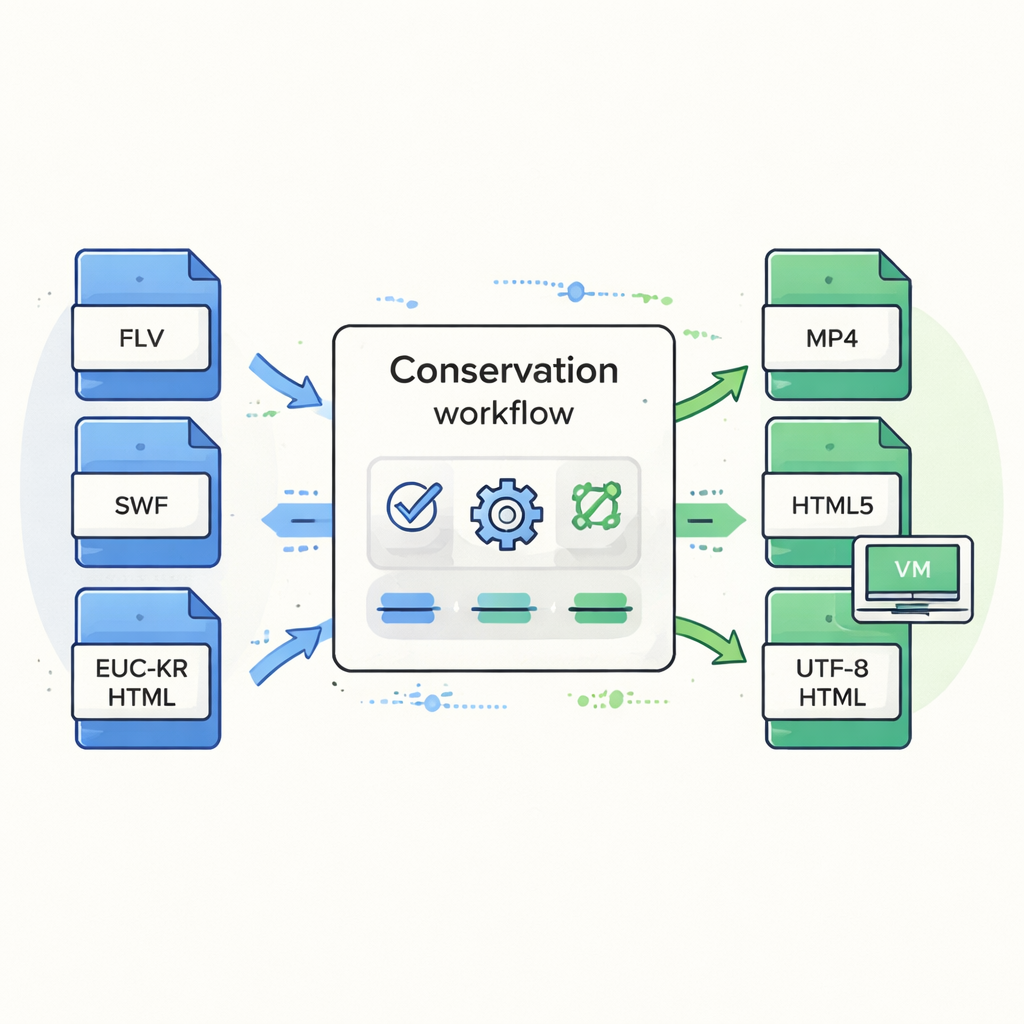
The first line of defense was to recreate the old environment instead of changing the artwork itself. The team set up a virtual machine—a software “computer inside a computer”—that runs the same operating system as the artist’s original machine and a still‑working version of Flash Player. They then moved the artwork’s files into this virtual space and confirmed that videos, text, and interactions behaved like the original. To help this virtual setup survive future changes, they saved it in an open format that can be imported into different virtualization programs and stored it on long‑lasting data tape, along with detailed records of how it was built.
Teaching the artwork to speak the modern web
Because relying only on emulation could itself become risky over time, the team also created a modernized version of the work. They converted the Flash video files into a widely supported format (MP4) using open‑source tools while carefully matching picture quality and playback settings. In the web pages, they replaced Flash‑based video players with standard HTML5 video elements and updated the character encoding so Korean text would display correctly in current browsers. Where subtle visual glitches appeared—such as an unwanted square symbol in a scene title—they consulted the artist and made the smallest possible code change, documenting each edit within the files so that future conservators can see exactly what was altered and why.
Listening to the artist for the long term
Technical fixes alone do not answer a key question: what aspects of the artwork must never change, and what can adapt as technology evolves? Through interviews, the artist identified core features that define the piece’s identity: the black background, the tight pairing of video and text, and the way links guide viewers from scene to scene. As long as these elements are preserved, he considered the work open to future updates or even new forms. Building on this guidance, the museum established a practice of thorough documentation—screen recordings, screenshots, code printouts, integrity checks, and metadata—so that later teams can judge whether new conservation steps remain faithful to the original vision.
Keeping born‑digital art alive
In everyday terms, the conservation of “Bite the Bullet” shows that caring for digital art is less like framing a painting and more like maintaining a complex machine whose parts go out of production. By combining a faithful recreation of the old computer environment with a carefully updated web version, and by recording every decision in dialogue with the artist, the museum has given this Flash‑based work a new lease on life. The approach outlined here offers a practical blueprint for saving other software‑based artworks so that future audiences can still click, explore, and reflect on pieces created for technologies that no longer exist.
Citation: Jung, D., Kwon, I. Conservation of flash-based media art a case study of
Keywords: digital art conservation, Adobe Flash, virtual machines, web-based artworks, media art preservation